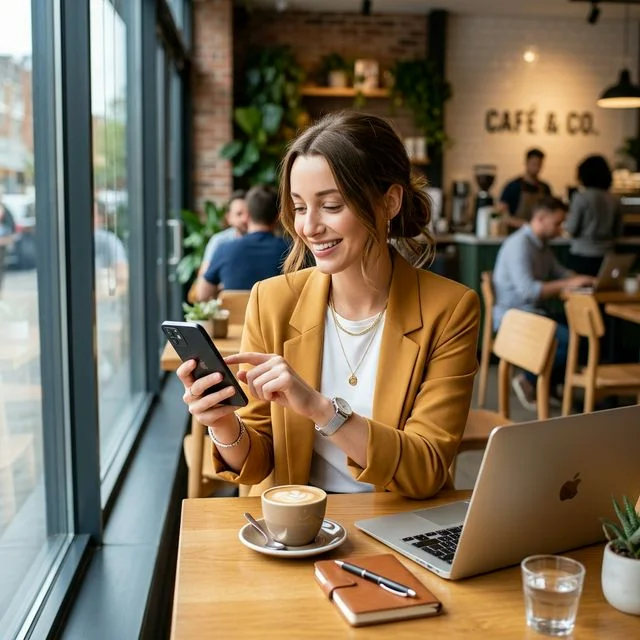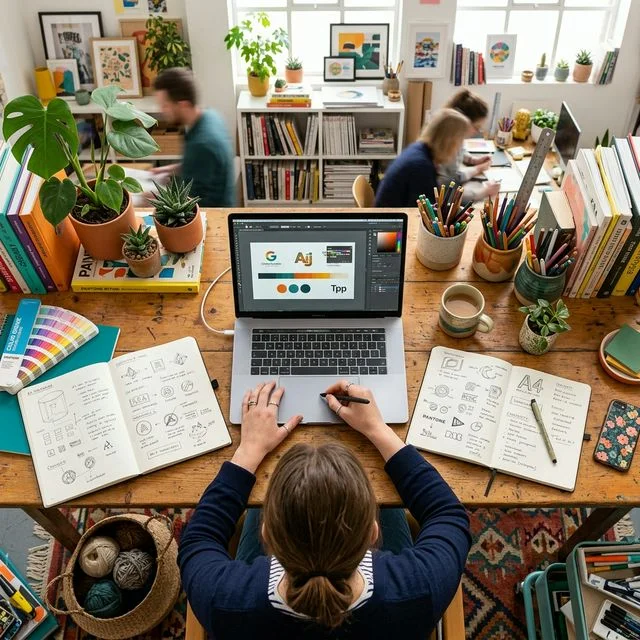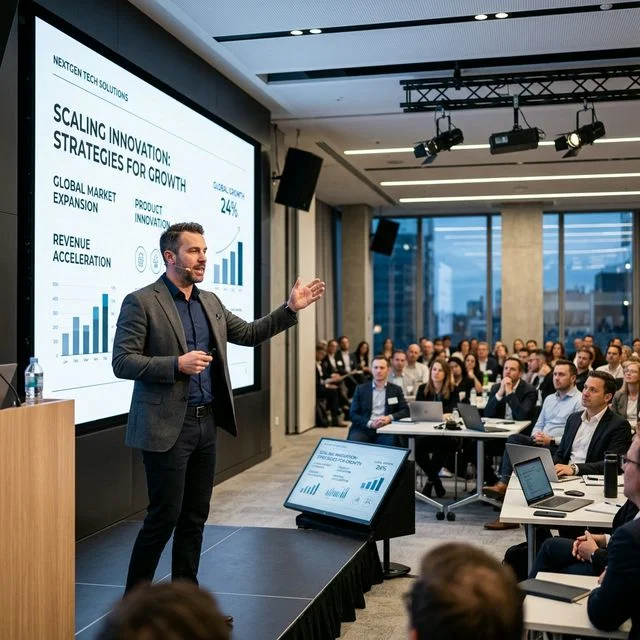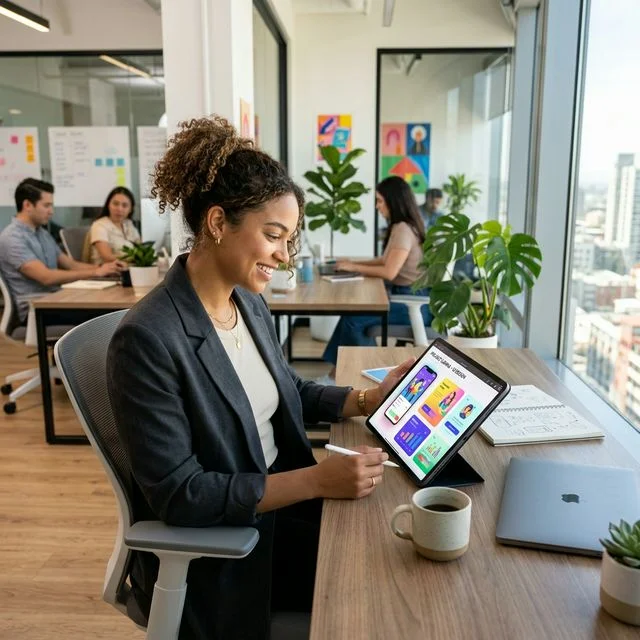
Generate custom, brand-aligned images for your social media.
Tools: ChatGPT or Gemini
Time required: 20 minutes
Step-by-step instructions
- Go to gemini.google.com or chat.openai.com and sign up/log in
- Think about what image you need (product shot, lifestyle image, background, etc.)
- Type a detailed description of your image in the prompt box (start with "Create an image of...")
- Click "Generate" (or send message) and wait about 30 seconds
- Edit or update prompt if necessary to refine the result
- Download your favorite and use it on social media or marketing materials
Example prompt
Professional product photography of [your product] on a clean white marble surface, soft natural lighting from the left, subtle shadows, minimalist style, high-end aesthetic, 4K quality, commercial photography lookBusiness benefit: Blackbird reduced their reliance on external design workload by 30% using Canva's AI features, while COBS Bread sliced design costs by 50%. Source: Canva
Step-by-Step Guide
1
Open Gemini/ChatGPT/Bing Image Creator and start a fresh conversation.
2
Clarify the asset you need: subject, use-case, aspect ratio, platform, and brand colors/fonts.
3
Write 3 prompt variants specifying subject framing, background, lighting, mood, and elements to avoid.
4
Generate 4-6 images per prompt; note which recipe yields the cleanest details.
5
Iterate once: ask for tweaks (brighter, more minimal, change props, adjust lighting).
6
Pick the best image, export in required size, and write alt text for accessibility.
7
Save the prompt + tweak notes in a doc so you can reuse the recipe next time.
Pro Prompt — Copy & Use
You are an art director + prompt engineer. Create 3 production-ready image prompts for [asset type/use-case] that match my brand.

Brand: [visual style keywords], palette [colors/hex], audience [describe], platform [Instagram/Facebook/Ads/Website], aspect ratio [e.g., 1:1, 9:16]. For each variation provide:
- Subject and focal point (framing, camera distance, lens/focal length if photographic)
- Composition (rule of thirds/centered/flat lay), background, depth of field
- Lighting type + direction (softbox, natural golden hour, moody rim light, etc.)
- Styling details (props, textures, surfaces, wardrobe), emotion/mood adjectives
- Quality specs (resolution, realism vs illustration, art style, render engine if relevant)
- Negative prompt elements to avoid (e.g., extra limbs, text artifacts, watermarks)

Add 2 quick tweak suggestions (make it brighter/cozier, make it more minimal/graphic) and a short alt-text line for accessibility.Recommended Tools
Pro Tip
82% of business leaders have used AI-powered tools to produce visual content; 90% agree generative AI has improved quality of visual communication. Source: Canva
Your Challenge
Create 3 images for your next social media posts. Experiment with different prompts until you find a style that matches your brand.